
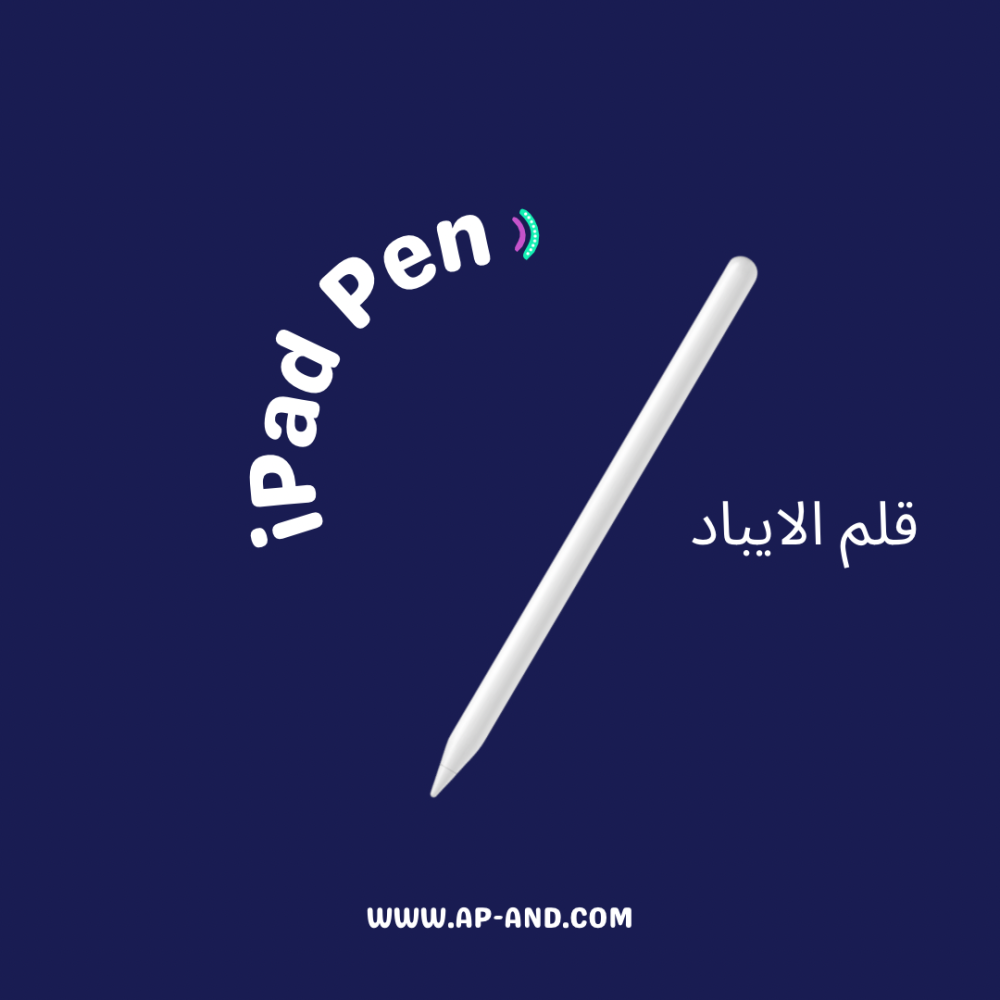
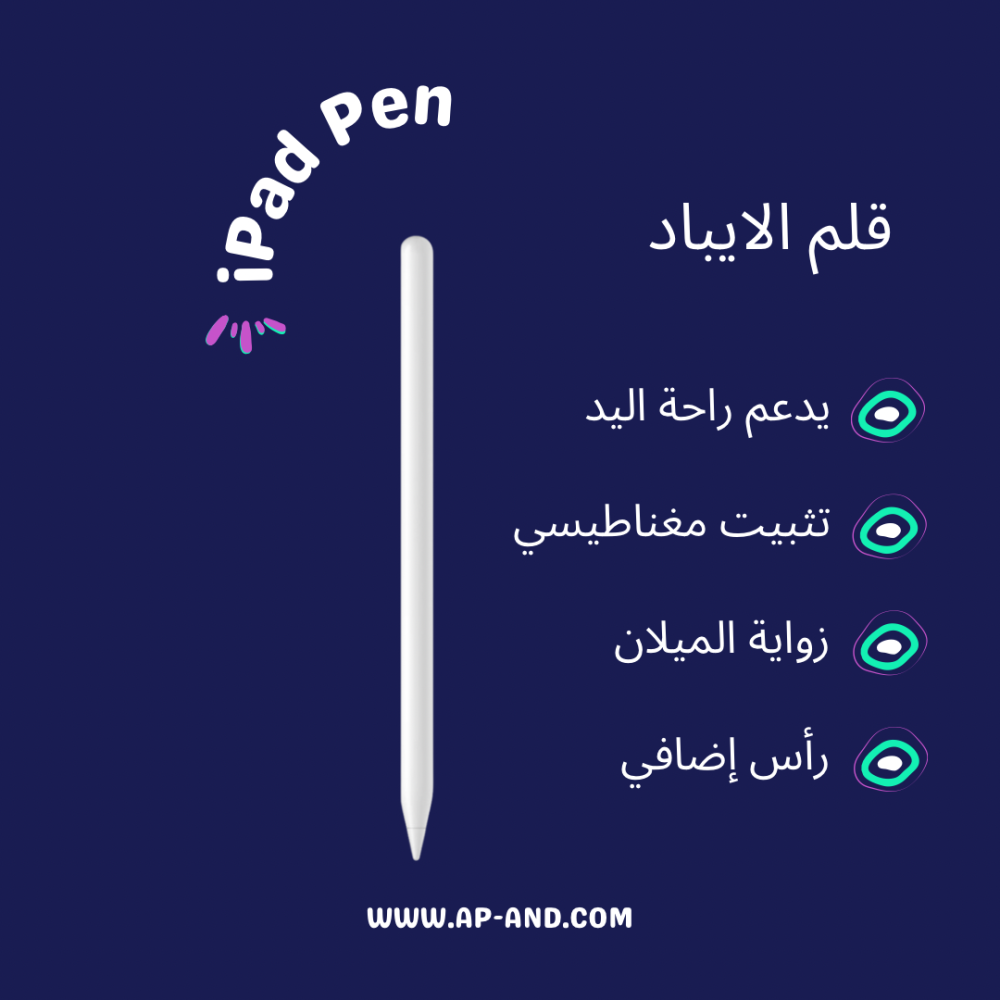
Features of iPad Smart Pen
One of the most important advantages is that you can use the pen by writing or drawing and palm contact with an iPad screen, and an additional customizable button
Magnetic can be installed on the IPAD side
Explore tilting pressure
Without Bluetooth
Works with 3 kinds of lines by pen angle
Smart Shutdown After 5 Minutes
It has a powerful battery lasting longer than 12 to 20 hours continuous use
Very soft on iPad screen when used and does not lead to any rough
Product Characteristics: -
The AP pen has many characteristics
Input Power: 5V/0.2A
Used on all iPad devices.
Instructions for use:
1. Open Settings - Apple Pen - Turn off the use of Apple Pen for drawing only.
2. Turn on settings - Bluetooth and close the original Apple Pen connection.
(After the above settings are completed, you can use the product naturally.)
Method of use:
Double click the pen on the lighting indicator to play the indicator, and the indicator will turn blue to start using. Then double click the pen on the illumination indicator again to turn it off and the indicator will turn off.